Resume Approval Queue In The WP Job Portal!
The Resume Approval Queue in the WP Job Portal is a moderation feature that lets administrators review resume postings before publishing them on the website. When resume auto-approval is disabled, newly submitted resumes enter a waiting queue and remain unpublished until an administrator approves them. This helps maintain the quality, accuracy, and professionalism of resume listings on the portal.
Configure Resume Auto-Approval

Start by navigating to the Admin Dashboard > Dashboard Menu > Configurations > Resume > Resume Auto Approve. If resume auto-approve is set to “YES/Enable,” resumes will not require administrator approval for publishing. However, if you set the resume auto-approve to “NO/Disable,” then resumes will require admin approval before being published.
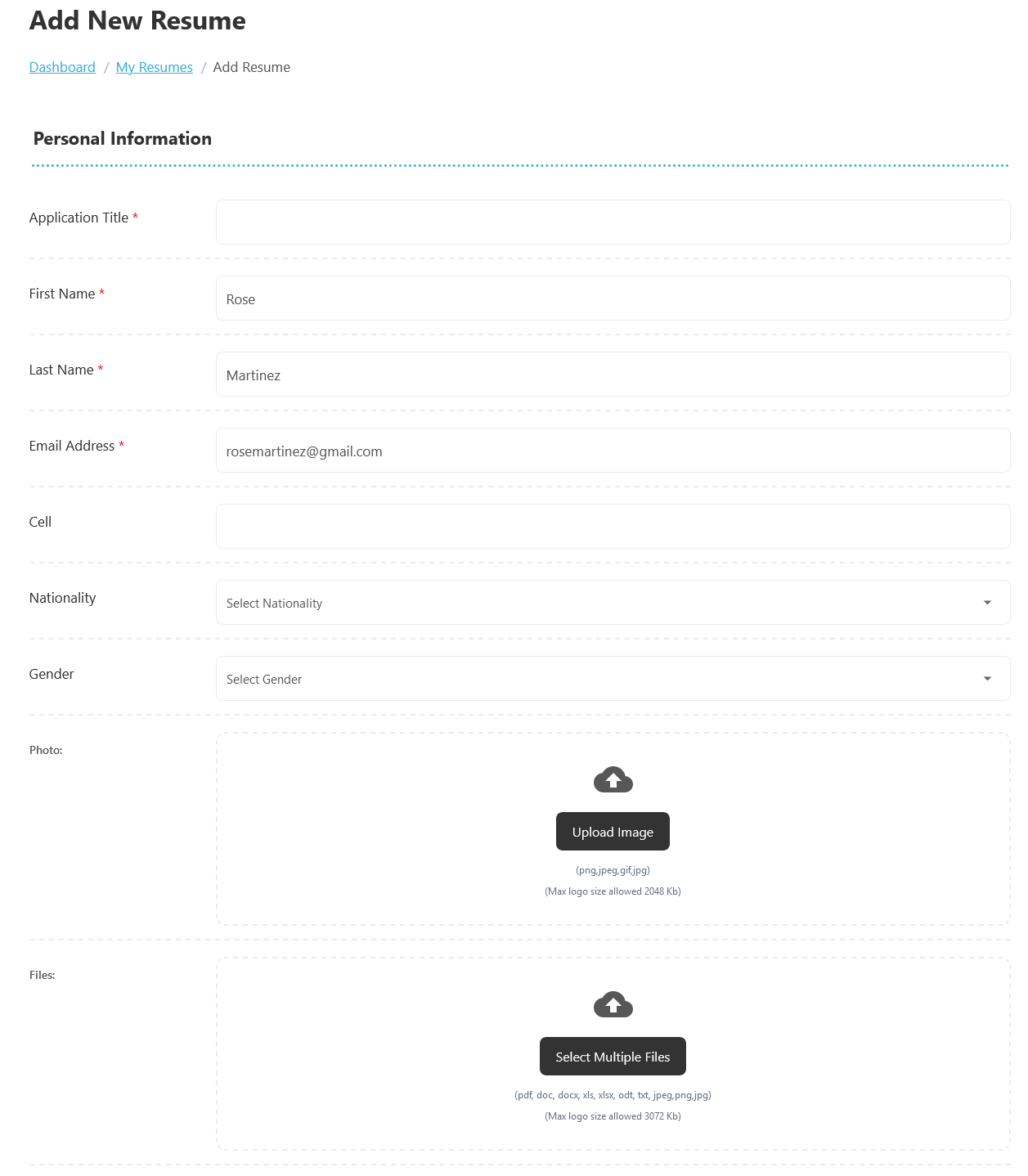
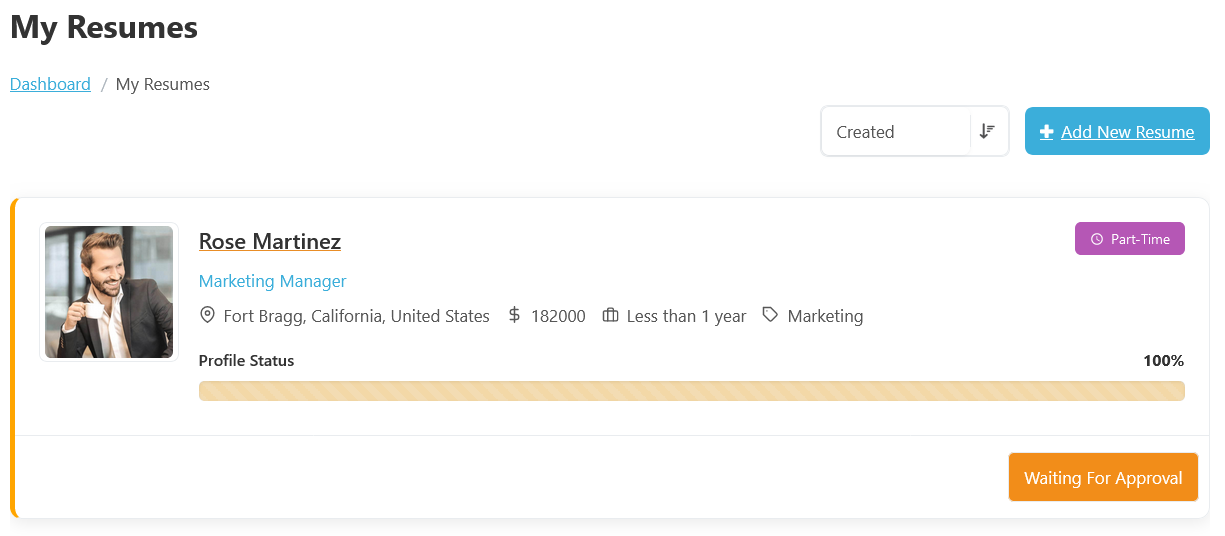
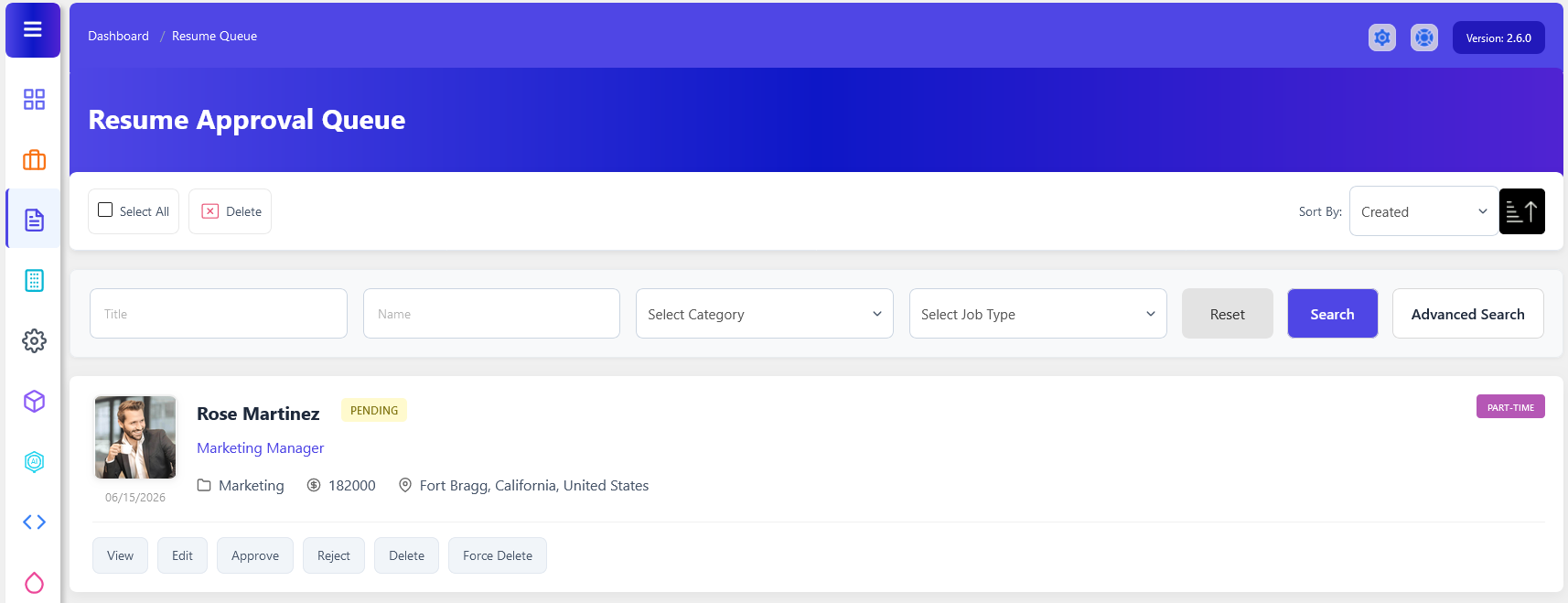
When a job seeker creates and submits a new resume, the resume does not immediately become visible to employers. Instead, it is added to the Resume Approval Queue, where administrators can review the resume title, category, resume information, salary details, and other fields.
The Resume Approval Queue helps prevent spam, duplicate postings, misleading advertisements, and inappropriate content from appearing on the website. Administrators can examine each submission and decide whether to Approve or Reject.
Management Actions
- The Resume Approve button publishes the resume and makes it visible to employers.
- The Resume Reject option declines the submission, preventing it from being published.
- Administrators can also use the Edit button to modify Resume information.
- Delete removes the resume from the queue.
- Force Delete permanently removes the resume and its associated data from the system.
Featured Resume Approval Queue In WP Job Portal
The Featured Resume Waiting for Approval status in WP Job Portal indicates that a resume has been submitted as a Featured Resume, but it has not yet been approved by the administrator. While the resume is marked as featured by the job seeker, it will not receive featured placement or become visible to job seekers until the approval process is completed. Featured Resumes are premium resumes that receive additional visibility on the job portal. They are often highlighted with special styling or shown with a featured label in resume listings.
Configure Featured Resume Auto Approve

To configure the featured resume approval settings, start by navigating to the Admin Dashboard > Dashboard Menu > Configurations > Resumes > Featured Resume Auto Approve.
In this section, if the featured resume auto-approve option is set to “YES/Enable,” featured resumes will not require administrator approval for publishing. However, in this case, we are setting the featured resume auto-approve option to “NO/Disable,” meaning that featured resumes will require admin approval before they can be published.
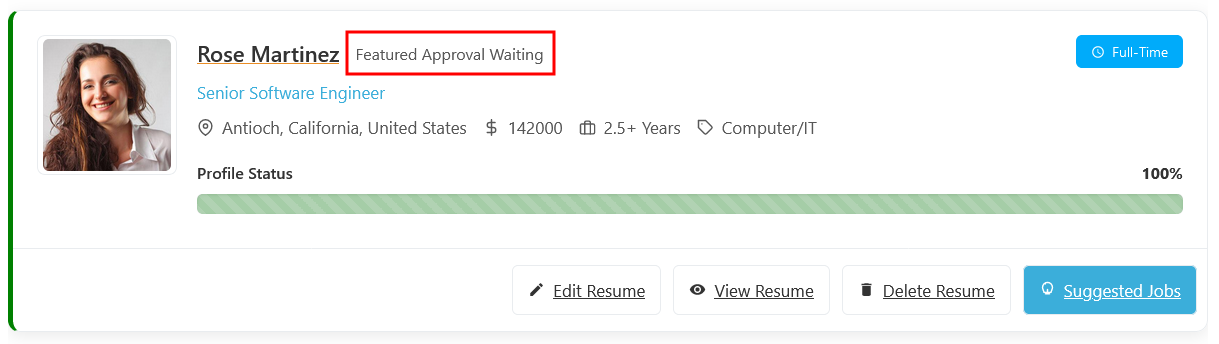
The page displays a list of resumes, where jobseekers add resumes to the featured section by clicking the featured button. Although the status of this resume is “Approved/Published,” its featured status is marked as “Featured Approval Waiting.” This indicates that the resume is not yet marked as featured because it is pending administrator approval. Administrator approval is necessary for the resume to be officially marked as featured.
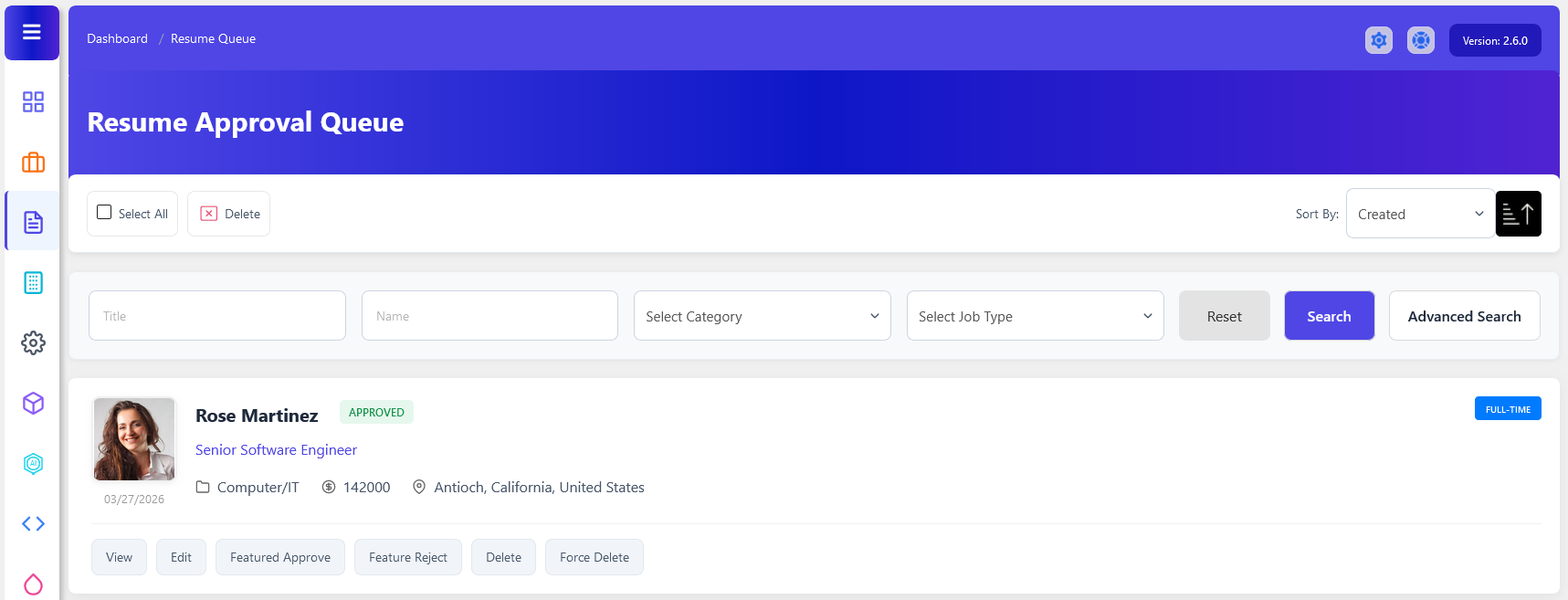
To access the featured resume approval process, navigate to Admin Dashboard > Dashboard Menu > Resumes > Approval Queue.
The Featured Resume Approval Queue in WP Job Portal is a management section where administrators review and approve resume listings that have been submitted as Featured Resumes. This approval process ensures that only legitimate and high-quality featured listings receive premium placement on the website. Until approval is granted, featured resumes remain pending and are not displayed as featured to job seekers.
When a featured resume is submitted and the portal requires administrative approval, the resume enters the Resume Approval Queue with a Pending status. The administrator can then review the resume details and featured request before deciding whether to Approve or Reject it.
Management Actions
- The Featured Approve option in WP Job Portal allows administrators to approve a resume request for featured status. When a featured request is approved, featured resumes are often highlighted with special badges shown higher in resume listings.
- The Featured Reject option is used when an administrator decides not to grant featured status to a resume. This action denies the featured request while allowing the resume to remain a regular resume listing if it has already been approved for publication.
- Administrators can also use the Edit button to modify resume information.
- Delete removes the resume from the queue.
- Force Delete permanently removes the resume and its associated data from the system.