AI Search Filter On Job Listing In The WP Job Portal!
The AI Job Search feature in WP Job Portal revolutionizes the way job seekers discover opportunities by using artificial intelligence to understand search intent and deliver highly relevant results. Instead of matching only exact keywords, the AI analyzes job descriptions, required skills, experience levels, and candidate preferences to recommend the most suitable positions. This helps users find better opportunities faster and with less effort.
Configure AI Search Filter On The Job Listing Page

To configure the display of the AI Search Filter on the job listing page, follow these steps:
- Access Admin Dashboard:
- Navigate to Admin Dashboard > Dashboard Menu > Configurations.
- Select Feeds & AI Configurations:
- Go to Feeds & AI Configurations > AI Search Filter On Job Listing Page.
- Save Changes:
- Ensure to save any changes made to reflect in the jobseeker interface.
- If AI Search is set to “YES/Enable,” then the AI Search will be shown on the job listing page.
- If the Job Short List is set to “NO/Disable,” then the AI Search will not be shown on the job listing page.
- Here, set it to Yes/Enable to enable the AI Search on the job listing page.
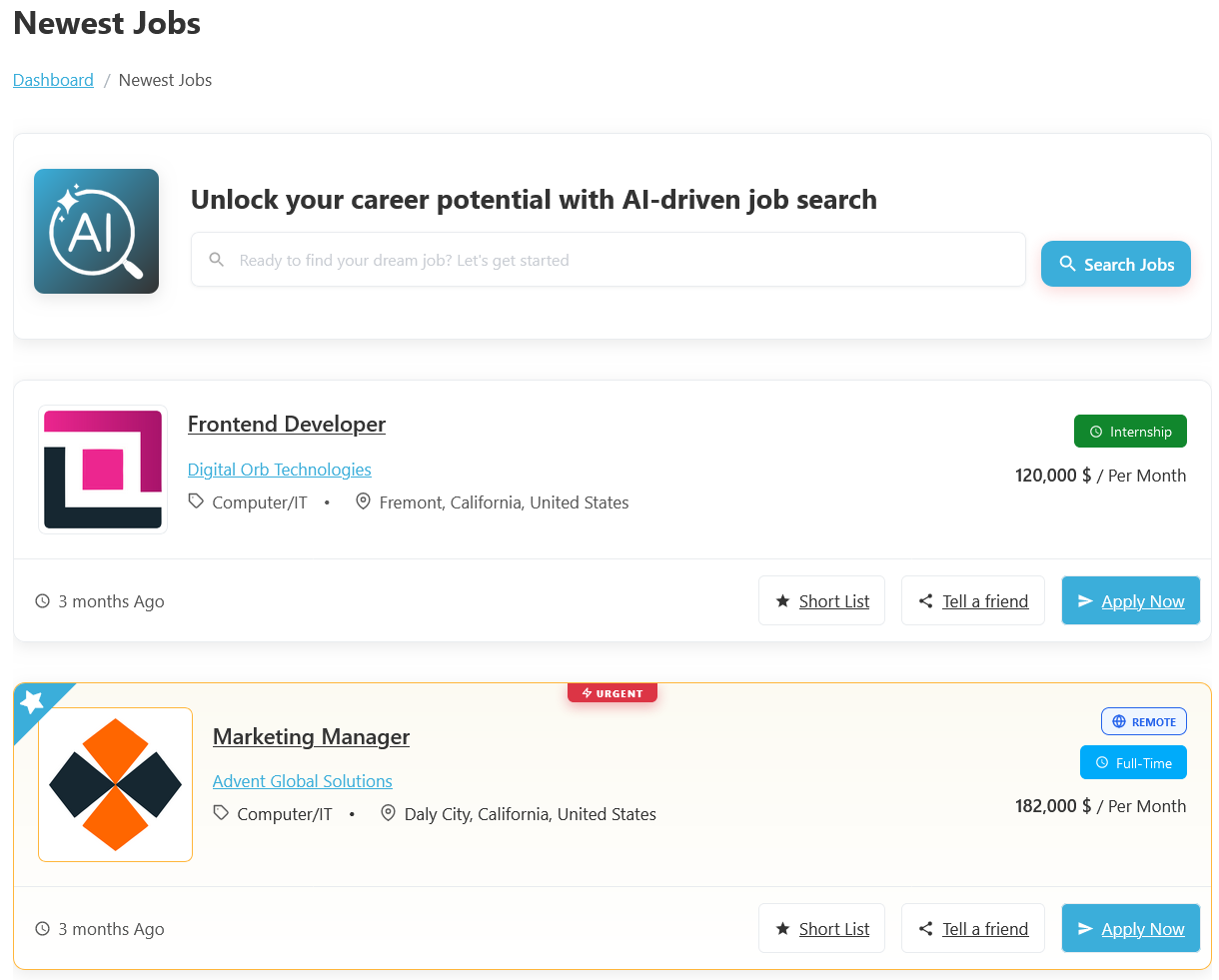
To search for jobs from your Jobseeker dashboard, follow these steps:
- Access Jobseeker Dashboard:
- Navigate to the Jobseeker Dashboard.
- Select Newest Jobs:
- Click on Newest Jobs to open the AI Search Filter on the job listing page.
The feature helps job seekers save time by reducing the need for multiple manual searches and filters. The AI engine can intelligently match job titles, categories, skills, tags, workplace types, and experience levels to provide more accurate results. For example, if a candidate searches for Frontend Developer, the system may also suggest related jobs like React Developer, UI Developer, or Web Designer.
Search results are presented with detailed information, including the job title, company name, location, salary range, job type, and a brief description of the position. Users can review job details, save opportunities to their shortlist, share jobs with friends, or submit applications directly from the results page. This creates a seamless experience from job discovery to application.