My Companies In The WP Job Portal!
The My Companies section in WP Job Portal allows employers to create, manage, and organize company profiles directly within the job portal. This feature serves as a central hub where employers can store all company-related information and use it when posting jobs. Instead of entering company details repeatedly for every new job, employers can simply select an existing company profile when creating a job listing. This saves time and ensures consistency across all job postings.
The My Companies feature also helps build trust and professionalism for job seekers. Candidates can view detailed company information before applying for a job, helping them better understand the organization.
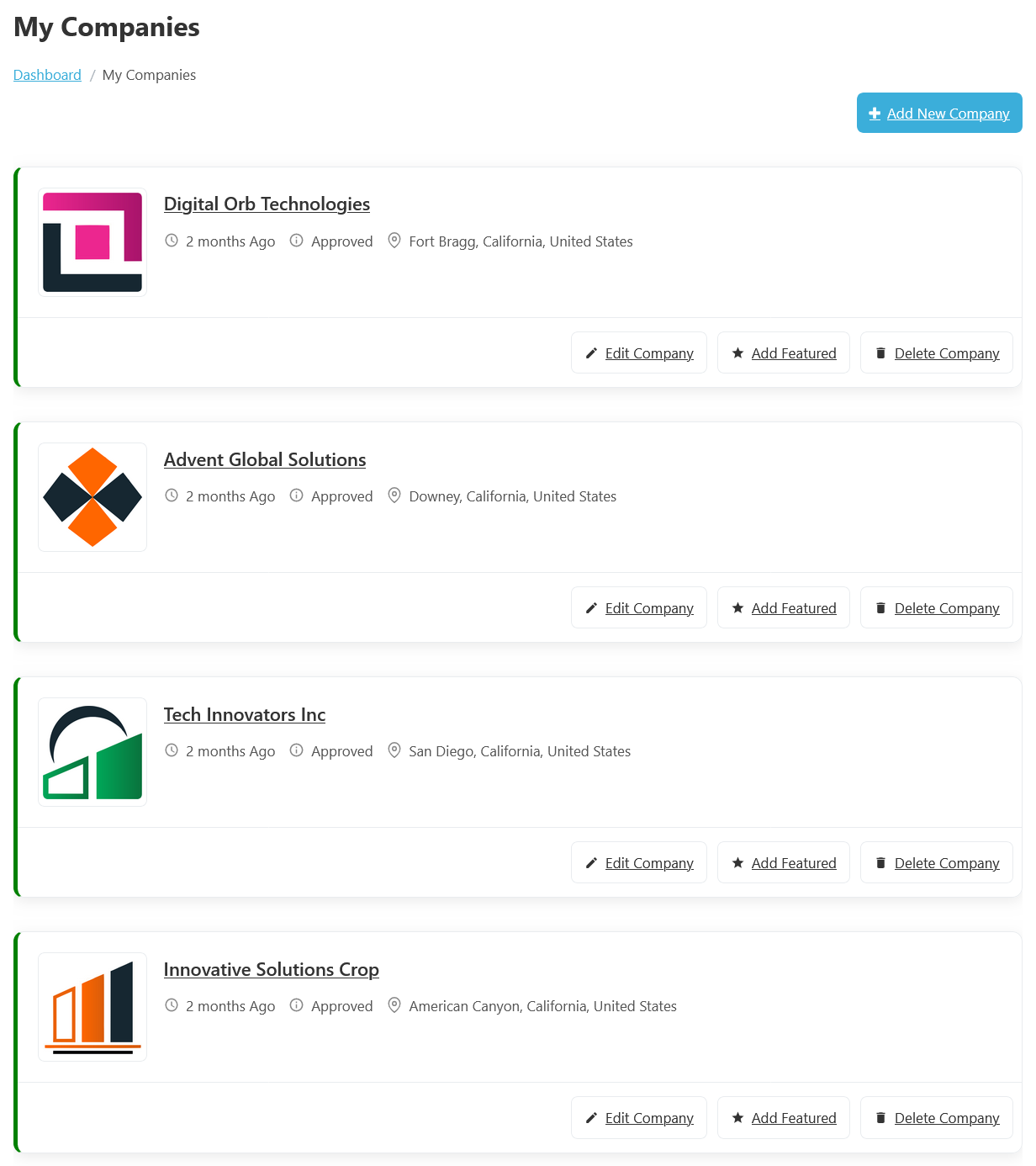
To access the My Companies listing page, from your employer dashboard, navigate to the Employer Dashboard > My Companies. On the My Companies page, you will find various options that employers can use to manage their companies.
When an employer adds a company in the My Companies section, they can provide important business information such as the Company Name, Logo, Website, Contact Details, Address, and Company Description. For example, a software company named “Tech Innovators Inc” can upload its logo, add its official website, enter office contact details, and provide a short description about its services and work culture. This information is then displayed on the company’s listing page.
One of the main functions of this page is company management. Each company listing comes with options like “Edit Company, Add Featured and Delete Company. Additionally, there’s an option to “Add New Company” at the top right of the “My Companies” page.
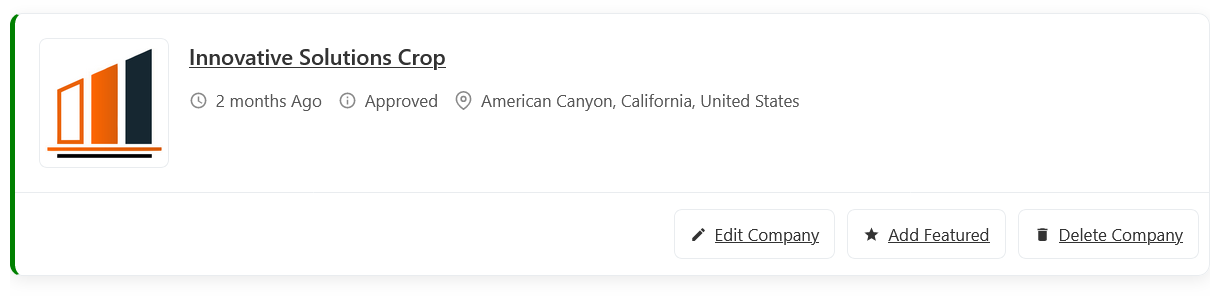
This section of the My Companies in WP Job Portal shows a detailed view of an individual company listing, giving employers full control over a specific company post. In this example, the company “Innovative Solutions Corp” is clearly displayed, along with important details such as the company logo, company name (Innovative Solutions Corp), location (American Canyon, California), company status (e.g., “Status: Approved”), and the posting date. This layout helps employers quickly review all key information about their company without opening a separate page.
Company Management Actions
Edit Company
Editing a company in WP Job Portal is a simple yet essential feature that allows employers to update their company listings at any time. This is especially useful when you need to make corrections, update company requirements, or adjust details like contact details or location after posting. The system is designed to give employers full flexibility while ensuring the company listing remains accurate and up to date for candidates. Once clicked, the system opens a detailed company form similar to the one used during company creation.
Add Featured
Adding a Featured company in WP Job Portal is a powerful way to highlight specific companies and give them more visibility on your job board, so it appears more prominently on the company’s Listing page. Featured companies are typically displayed at the top of the companies Listing page or in a dedicated section, making them more noticeable to job seekers. They may include labels like “Featured” or be highlighted with special styling.
Delete Company
Deleting a company in WP Job Portal is a simple but important feature that allows employers to remove company listings that are no longer needed. This is useful when a company has expired or was posted by mistake. Keeping your company listings clean and updated ensures a better experience for job seekers and maintains the professionalism of your platform.