Companies In The WP Job Portal!
The Companies section in WP Job Portal allows job seekers to browse and explore companies that are actively posting jobs on the website. This feature helps candidates learn more about the company before applying for positions. Instead of only viewing individual job listings, job seekers can visit company profiles to understand the organization’s background, services, work culture, and available career opportunities.
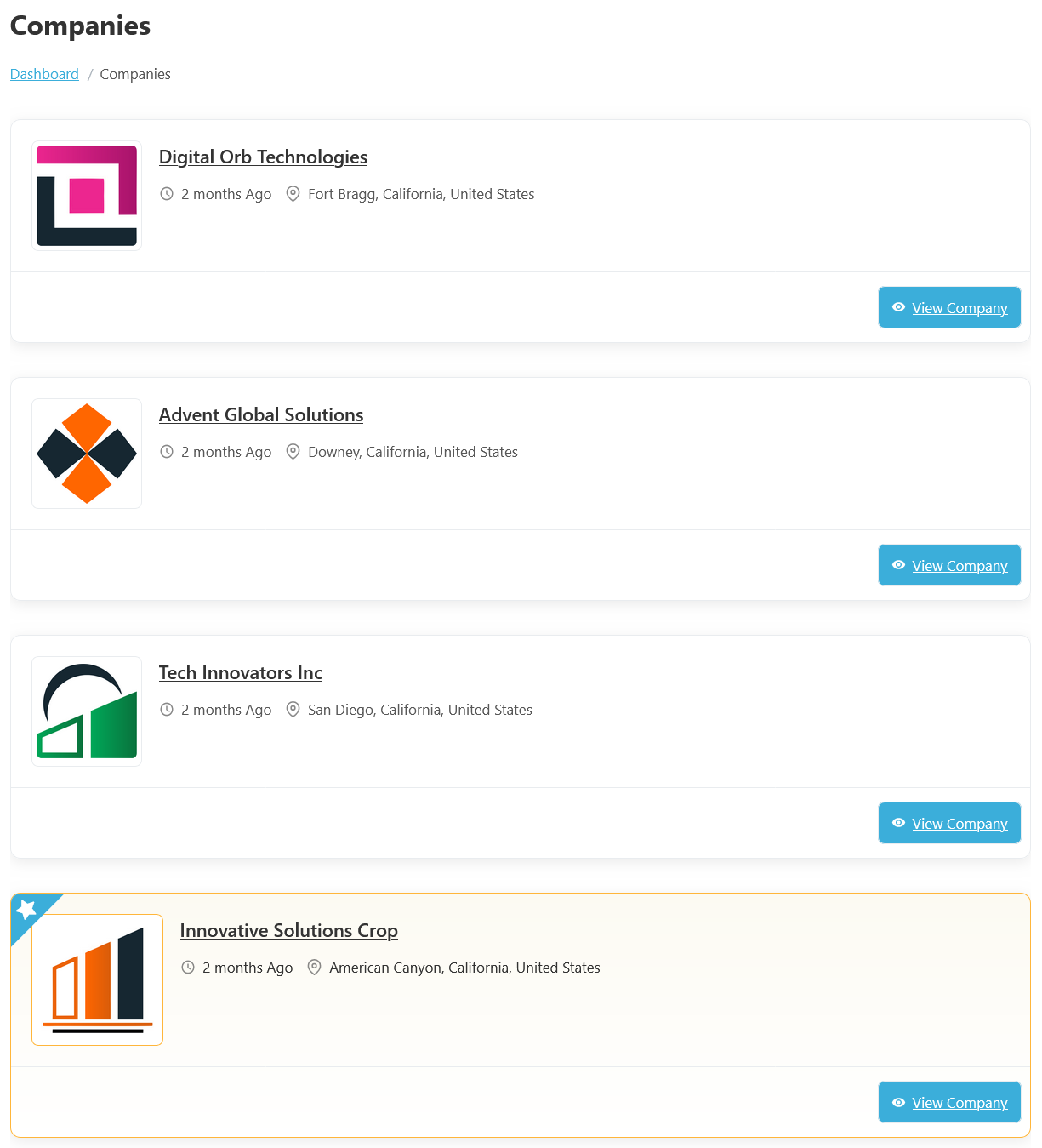
From your Jobseeker dashboard, navigate to the Jobseeker Dashboard > Dashboard Menu > Companies. This page lists all the companies that exist in the system. Each company has a logo, name, creation date (e.g., “Created: 2 months ago”), and city.
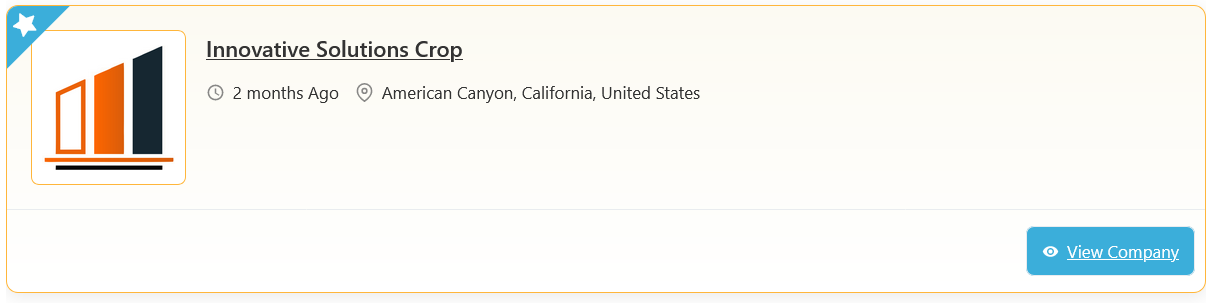
Each company profile typically displays important information such as the Company Name, Company Logo, Location, and Created Date. There is a button on the bottom right side (View Company) that takes you to the company information page.