Job Search Fields In The WP Job Portal!
The Job Search Fields feature in WP Job Portal allows administrators to control which search filters are available to job seekers when searching for jobs. These fields help users narrow down job listings based on specific criteria, making it easier to find relevant opportunities quickly and efficiently.
Administrators can choose which search fields are displayed on the job search form. If a particular field is not useful for the portal’s audience, it can be hidden. For instance, a portal that focuses on local jobs may prioritize City and Category filters, while a remote-job portal may emphasize Workplace Type and Job Type filters.
Job Search Fields
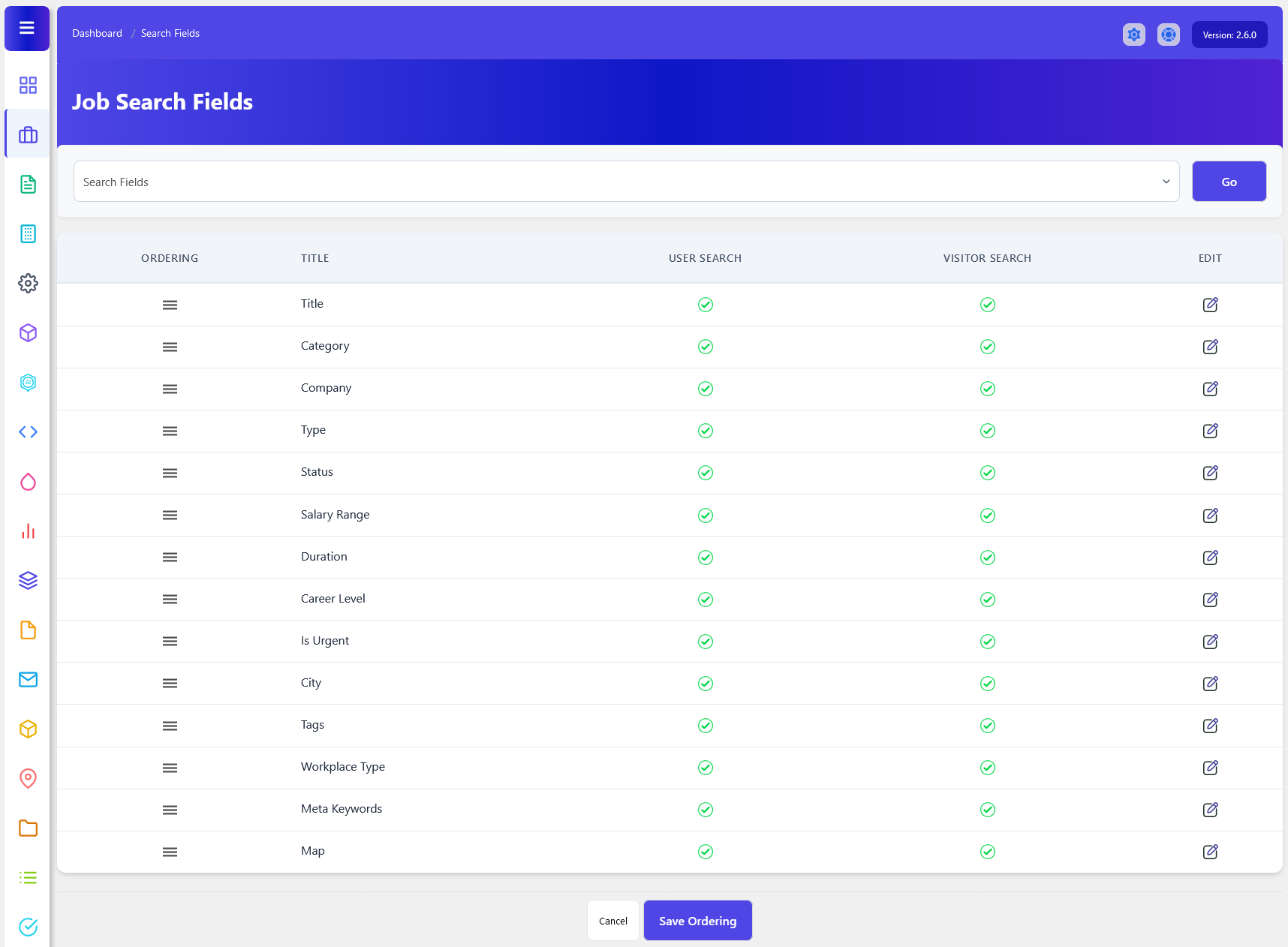
As an administrator, open up your Admin Dashboard > Dashboard Menu > Jobs > Search Fields. The Job Search Fields section in WP Job Portal allows administrators to configure which fields are available when users search for jobs. These fields act as filters that help employers, administrators, and job seekers quickly find relevant job listings based on specific criteria. By customizing search fields, administrators can create a more efficient and user-friendly job search experience. Here you can manage the visibility of fields in the job search form for users and visitors.
Edit Field
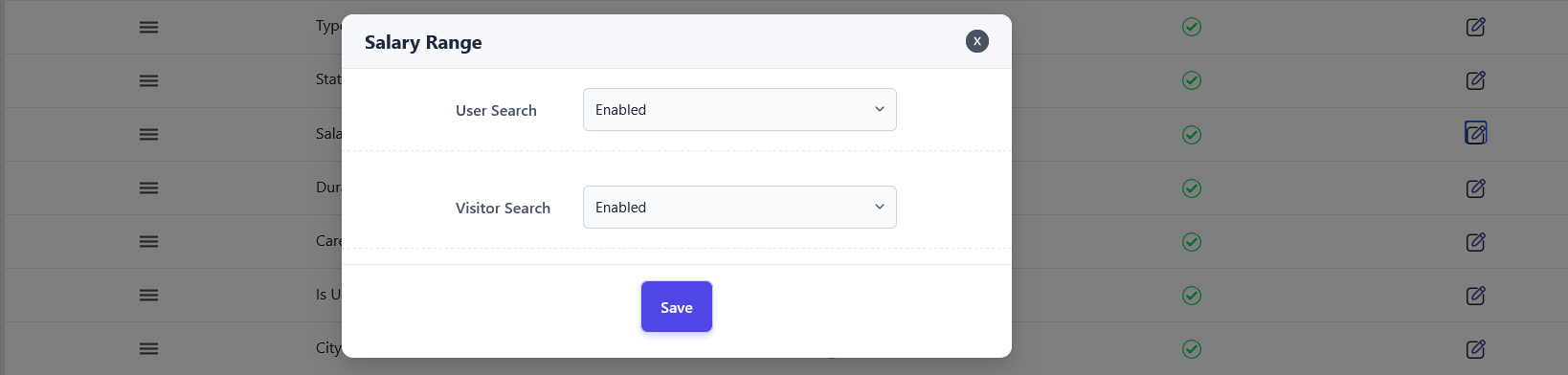
- The User Search setting determines whether a search field is available to registered users within their job management areas. If enabled, users can utilize that field when searching for a job.
- The Visitor Search setting controls whether a field is available to visitors on the front-end job search page. When enabled, visitors can use that field as a search filter.
Fields Ordering
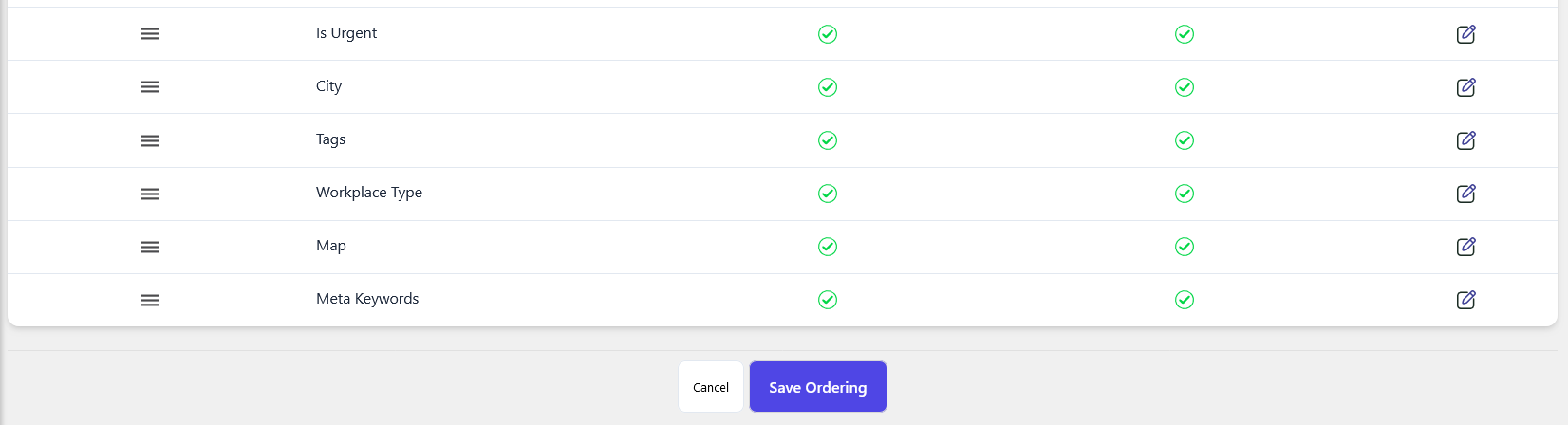
You can also adjust the order of your search fields on the job search form, deciding where you want to show these fields. Once you change the field order and save it, the fields on the job search form will align with your preferences.